
Before you start
- This article is for customers who have been told that we are unable to open an account for them at this time.
- If your account is still under review, you may not see this message. Our team is still reviewing your application and will contact you when there is an update .
- You cannot add money to a Send account until it has been approved, so there should be no account balance to withdraw or return.
What you will see
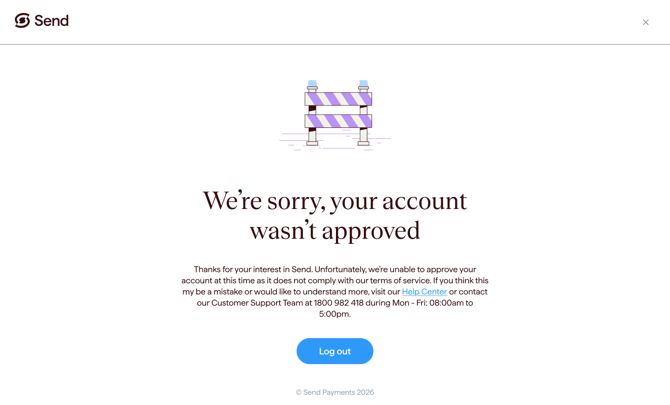
If your account has not been approved, you will see a message when you try to log in letting you know that we are unable to open an account for you at this time.
You will also receive an email letting you know the outcome.
Why this can happen
All applications are assessed before an account can be opened. In some cases, we are unable to proceed with an application.
In many cases, we are unable to provide the specific details about why an application was not approved. This may be due to legal, regulatory, or risk-related obligations.
What happens next
- The decision on your account is final.
- You will not be charged any fees.
- If you believe the decision may have been made in error, you can contact our support team (see below).
Common questions
I never got an email telling me my account wasn't approved.
- The email may have gone to your spam or junk folder. Please check there first.
- Make sure you are checking the email address you used to sign up.
- If you still cannot find it, contact our support team.
I think this is a mistake. Can someone review my account again?
- If you believe the decision may have been made in error, please contact our support team.
- Have your full name and the email address you used to sign up ready when you call or email.
Can I apply again with different details?
- We are unable to provide guidance on reapplying. You must provide accurate, current and complete information as part of onboarding.
- If you have questions, please contact our support team.
What did I need to provide when I signed up?
- You can read more in our article What do I need to open an account?
- Timeframes are explained in How long does it take to open an account?
Contact us
Call Us
Phone: 1800 982 418
International: +61 7 5619 5700
Hours: 8:30am - 5:30pm AEST/AEDT, Monday - Friday