
Steps
Step 1: Try again later
Close the page, wait a few minutes, then sign back in and try the onboarding step again.
Step 2: Refresh and check your connection
If it still doesn't work:
- Refresh the page or restart your browser.
- Check that your internet connection is stable.
- Try a different browser (for example, Chrome, Safari, Edge or Firefox) or a different device (such as your phone instead of your laptop).
- Clear your browser's cache and cookies, then sign in again.
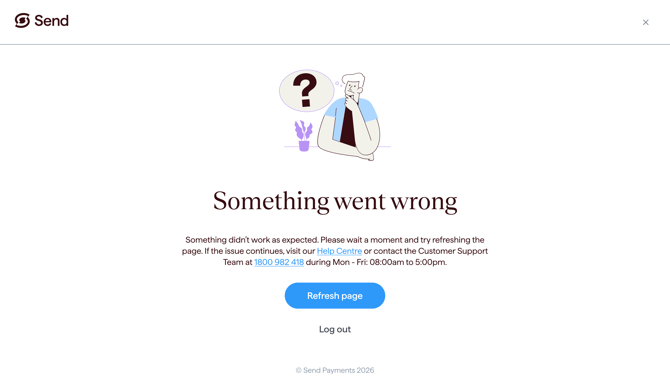
Step 3: Contact us if the issue continues
If the error keeps showing after trying the steps above, please get in touch with our support team. See the Contact us section below.
What happens next
- Sign in again and try the onboarding step.
- If the error continues, contact our support team and we'll help you troubleshoot the issue and explain what to do next.
Common questions
I keep seeing the same error every time I try.
- Try clearing your cache and cookies, or use a different browser or device. If the error continues, contact support.
I had to start the sign-up form again.
- If your details didn't carry over, sign in again with the email and password you first registered with, then continue your sign-up. You won't be able to register the same email twice. Contact support if you need help.
Contact us
Call Us
Phone: 1800 982 418
International: +61 7 5619 5700
Hours: 8:30am - 5:30pm AEST/AEDT, Monday - Friday